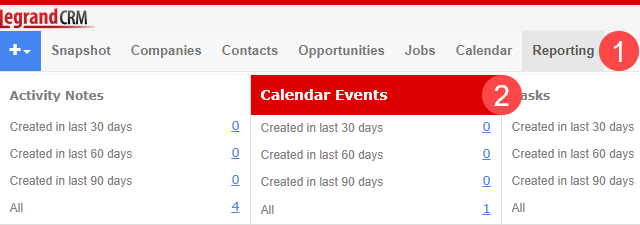
Navigate to the Reporting module and select Calendar Events.
Specify a search criteria e.g. a date range and click Search.

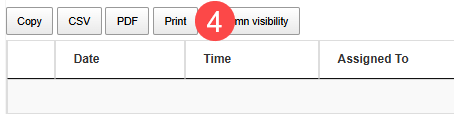
Once Legrand Cloud CRM generates the list of calendar events, click Print.

Navigate to the Reporting module and select Calendar Events.
Specify a search criteria e.g. a date range and click Search.
Once Legrand Cloud CRM generates the list of calendar events, click Print.